





Dia² is an OpenFX plugin that unifies the power of Diachromie and Diaphanie into a streamlined, easy-to-use look‑development framework.
Its intuitive, curated set of parametric controls strikes the right balance between efficiency and modularity—to build distinctive looks, evolve them over time, and stay fully in control within industry-standard color‑managed workflows.
Designed to live inside the HAL Picture ecosystem, Dia² is built for exchange and seamless interoperability with our two flagship plugins.
An accessible, high-precision tool built to meet the highest standards of the cinema industry.
Don’t start from scratch. Build from an ever‑expanding library of adjustable presets.
A rich set of transformations, with the right amount of control and an intuitive creative flow.
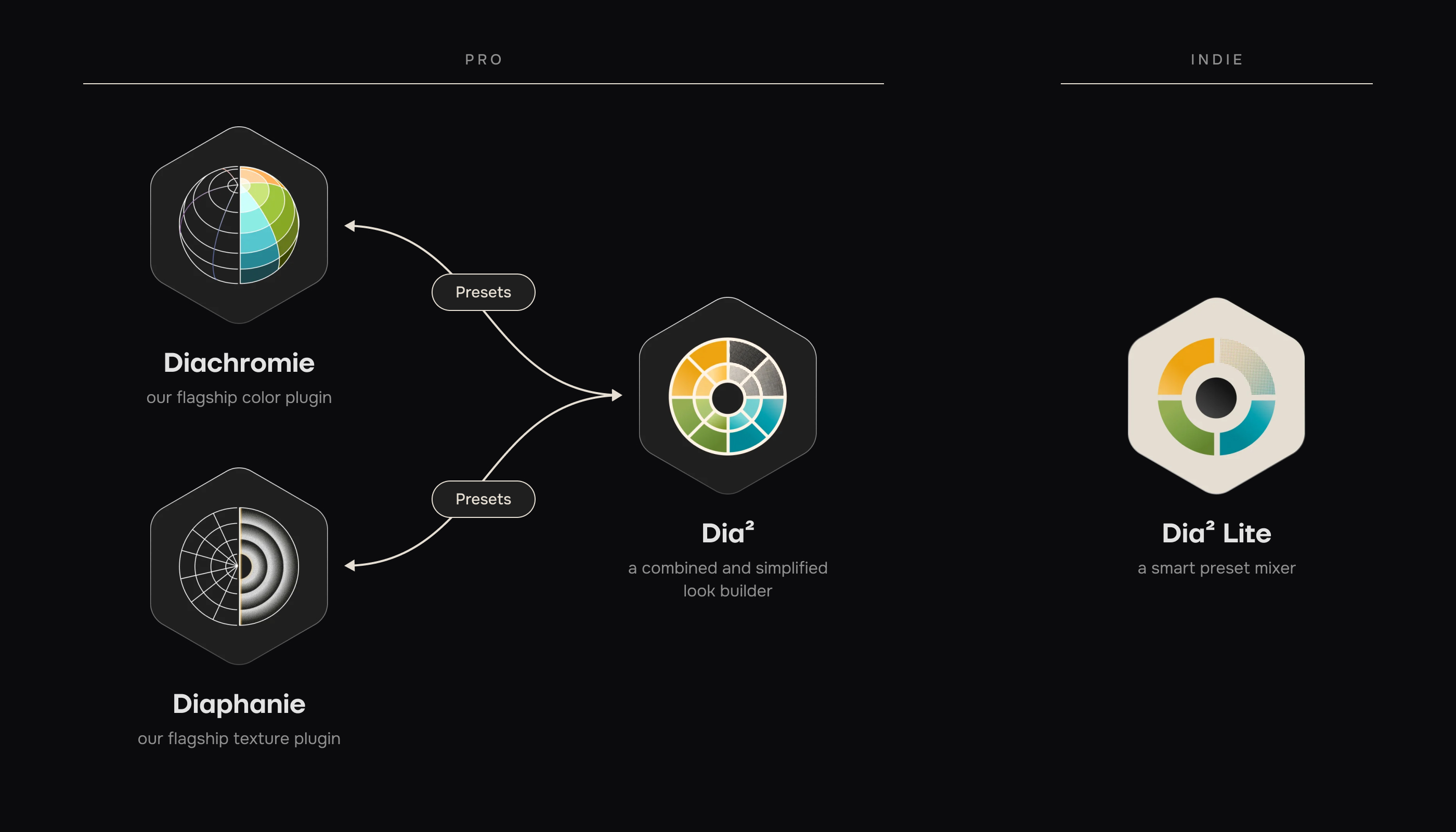
Dia² is a more approachable way to access the advanced color science of Diachromie and Diaphanie.
Powered by our high‑end algorithms, it draws on HAL Picture’s philosophy and analysis of what defines a look.
A carefully curated set of parameters simplifies the approach without sacrificing image quality. At any time, the work can be taken further — up to the full depth and complexity of Diachromie and Diaphanie.
With full color management and preset interoperability across the HAL Picture plugins, a look can be carried from project to project, refined, and evolved over time.
Dia² provides everything needed to craft distinctive, complex, and beautiful looks: the right set of parameters, powerful transformations, and a rich, collaborative preset library.
Transformations are reliable, consistent, and expressive, with a level of control that feels both precise and creatively intuitive.
Because Dia² combines Diachromie and Diaphanie’s parametric depth into a streamlined set of controls, the work can always be carried over into the full Diachromie/Diaphanie toolset.
Dia²’s modularity comes from the power of presets and its interoperability with our flagship plugins. This ecosystem enables seamless exchange and collaboration between cinematographers, DITs, colorists, and post houses.
Expand your library by importing unique presets created in Diachromie and Diaphanie — either from your latest project or via a short-term plugin subscription.
A preset can be loaded independently in each module for maximum precision and flexibility.
By building on a library of adjustable presets, HAL Picture takes look development research further, with looks that remain versionable throughout a project and over time.
Without compromising on craft, Dia² was created as a more concise and accessible tool so look development can remain broad and expressive. Not every creative needs the same level of granularity to deliver a beautiful, consistent result for a given project.
By bringing texture and color together in one place, Dia² stays highly creative yet intuitive, built for today’s workflows and the fast pace of modern cinematography.
Discover the HAL Picture tool range and choose the one that best fits your needs.
Compare our plugins
| Pro | Indie | |||
|---|---|---|---|---|
 Diachromie
|
 Diaphanie
|
 Dia²
new!
Dia²
new!
|
 Dia² Lite
new!
Dia² Lite
new!
|
|
| Look Components | Color | Texture | Color & Texture | Color & Texture |
| Creative Modularity | Unlimited | Unlimited | Expanded | Basic |
| Interoperability | Preset Exchange | |||
| Color Management |
Full color management + direct-to-display (SDR + HDR) |
Full color management |
Full color management + direct-to-display (SDR + HDR) |
Direct-to-display (SDR + HDR) |
| Presets | built-in + personal + external | built-in + personal + external | built-in + personal + external | built-in |
| Export Display LUT | Yes | Yes | Yes | Yes |
| Seats per license | 2+ | 2+ | 2 | 1 |
Powerful Color Management
Choose your working colour space in a full color-managed workflow, or in a direct-to-display setup. HDR and SDR supported.
Conform Settings
Scale your textural effects relative to your timeline resolution. Apply a region of interest to avoid processing parts of the image (letterboxing, pillarboxing, custom ratios…).
Rich Monitoring Tools
You can monitor the effects of your actions on RGB curves, color charts and color volumes, giving you a deeper understanding of the work you’re doing.
Look Presets
Your work can start from scratch, or from one of more than 20 built-in looks crafted by our team. Mix them over the modules, customize them, and share them with other users!
You can also load presets created in Diachromie and Diaphanie, and send your work over to Diachromie and Diaphanie.
Preprocessing
You can apply a filmic pre-processing to your images, or design a custom monochrome look.
Contrast
A parametric contrast allows you to smoothly shape an infinite number of curves.
Tune the intensity of your effect with our blend option.
Start with a contrast you like by loading a Preset within this module.
Color Tone Curves
Color your highlights, midtones, and shadows with fine tuning adjustments. Precisely decide how to spread a selected hue.
Independently load a color tone curve of a Preset you like within this module.
Vertex Transformations
Transform the geometry of your color volume, vertex by vertex. Allow color transformations to interact in the 3D cube.
The rendering can be blended, or applied uniquely to low frequencies, thus limiting the impact on noisy images.
As with all modules, you can start from scratch or call a Preset as a starting point.
Effects
A powerful, parametrical Bleach Bypass that can emulate the film reference very faithfully, or be modulated for various effects and nuances.
Three Color Unifiers let you reduce the color palette of Red, Green and Blue.
Spatial Equalizer
Shape the volume of your image based on its spatial frequencies.
You can call your favorite transformation preset within the module.
Definition Vignetting
Shape the edges of your image, emulate a vintage lens or create a specific textural distortion
Halation
Create a halo effect, adjust its size, intensity, color or brightness. Go from full filmic look to more customized halations.
Diffusion
Emulate a reference optical diffusion or a custom set of settings from a preset.
Load a creative preset, or a glass filter emulation, from HBM to Radian Soft. Blend the effect to get the outcome you’re looking for.
Grain
Get access to our mathematical model of procedural grain that generates grain on the fly for each image. You’ll find basic adjustment options and excellent performance, even at high resolutions.
Start with our embedded film stock emulations or dive into the settings to shape a unique texture.
LUT Export
The color transformations of your look can be exported as a log-to-log .cube LUT file. Perfect to create a monitoring LUT for your camera.

- ▸ Billed quarterly
- ▸ Provided with 2 seats
- ▸ Same license for every host
- ▸ Billed yearly
- ▸ Provided with 2 seats
- ▸ Same license for every host
- ▸ Billed once
- ▸ Provided with 2 seats
- ▸ Same license for every host
Compatible with
-
Resolve
- windows
- macOS
- Linux
-
Baselight
- macOS
- Linux
-
Livegrade (frontier edition)
- macOS