




Diaphanie is a limitless textural tool that integrates with your favorite grading software as an OpenFX plugin. Going beyond film emulation, the interface breaks down the texture of an image into a series of tunable parametric tools.
Developed for the high standards of professional cinematography, our multi-resolution compatibility and transparent color-managed workflows allow you to shape your vision with confidence across formats and delivery specifications.
A bold textural look, refinable shot by shot.
Work from our adjustable Presets or design your own from the ground up.
From established film textures to your own original creations.
Explore your texture like never before, using our powerful Spatial Equalizer. By controlling specific regions of your image, based on spatial frequency, you can reshape the look and feel of your camera/optics combination.
Refine details, adjust perceived sharpness and sculpt your image.
Diaphanie’s algorithms replicate the essence of organic film grain by reproducing its randomness.
Instead of layering in texture from scanned film stocks, our procedural approach offers complex and numerous interactions with the image, resulting in a much richer integration.
The grain’s shape, size and plasticity can all be adjusted, opening up different possibilities. Go from finer to sharper, or jagged to thicker and more colorful.
Further benefits of generating grain natively include faster playback performance and grain that is free from compression artifacts.
Guess who's who



In Diaphanie, you can emulate any halation and diffusion effect with ease. These photometric phenomena are a combination of flare, halo, and loss of definition.
We’ve put together Presets of your favorite optical filters. These are also fully parametric, so you can adjust, enhance and blend shot by shot, or across your whole timeline.
Presets are at the heart of Diaphanie, guaranteeing modularity and continuity.
Create highly complex textural renderings. Export your parametric values at any point and tailor your own personal Presets library. Load, edit and build unpon your catalogue of looks project after project.
Diaphanie comes with our robust built in Presets, designed to cover a variety of textural identities. Use them directly or as a base for efficient, personalised look development.
You can even load Presets independently within each module. For example, combine 35mm modelling and halation with a super 16 grain emulation.
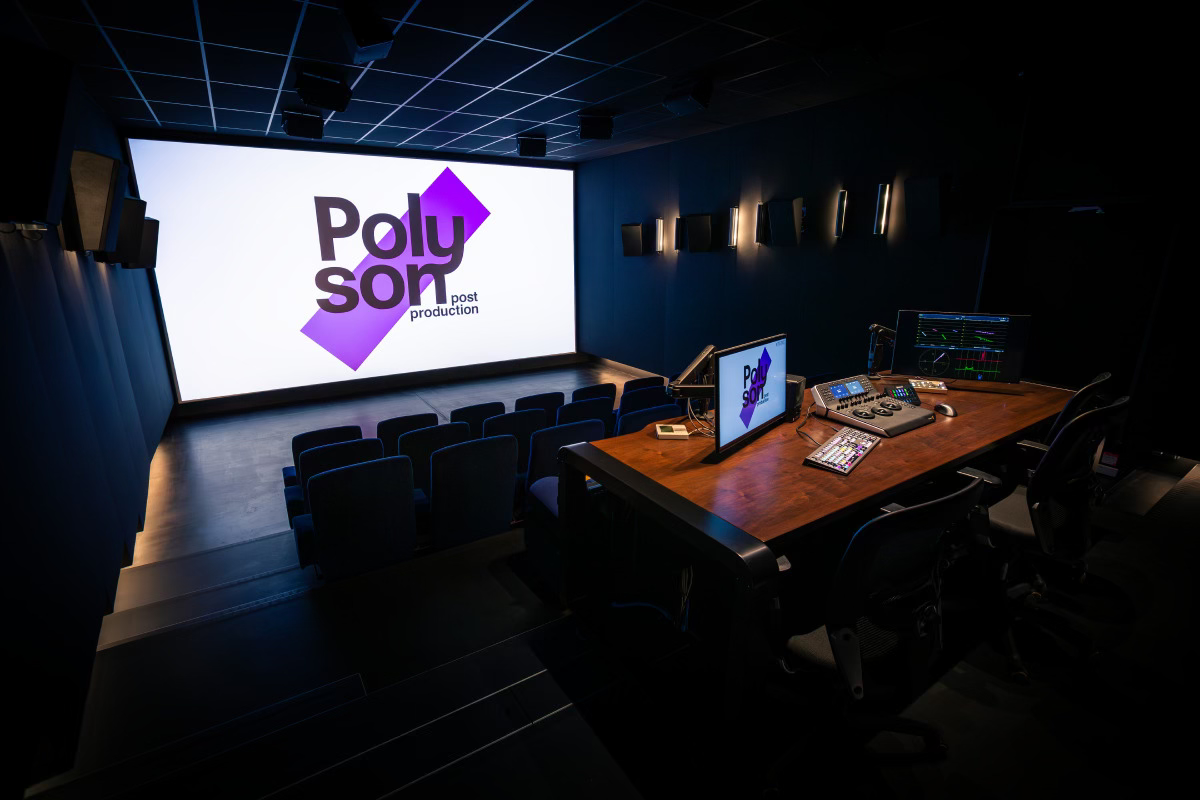
We are a team of cinematographers and DITs based in France and working globally. Faced with the daily realities and challenges of production, we sought a filmmaker-friendly and industry-proof solution.
Teaming up with Poly Son, a major French post facility, we’ve developed tools that work in a collaborative, non-destructive manner across all stages of the pipeline.
Find out more about us!
Look Presets
Decide where to start from: load a Preset from your library or start from scratch.
You can use an embedded Preset, your own, or one from another Diaphanie user.
Color Management
Work natively in ACES, or choose another working colorspace.
Resolution Factor
Accurately scale textural components to match your project’s working and output resolutions.
Spatial Equalizer
Shape the volume of your image based on its spatial frequencies.
You can call your favorite transformation Preset within the module.
Halation
Create a halo effect, adjust its size, intensity, color or brightness.
Or load a filmic halation from a Preset.
Diffusion
Optical diffusion can be emulated with these curated settings.
Load a creative Preset, or a glass filter emulation, from HBM to Radian Soft. Tweak everything to taste.
Grain
Our mathematical model generates grain on the fly for each image. You’ll find extensive adjustment options and excellent performance, even at high resolutions.
Vary the density and scale of your grain based on exposure area and level of detail. Color it to taste.
Start with our embeded film stock emulations or dive into the settings to shape a unique texture.

References











- ▸ Billed monthly
- ▸ Provided with 2 seats
- ▸ For Resolve
windows - macOS - ▸ and Baselight
macOS
- ▸ Billed quarterly
- ▸ Provided with 2 seats
- ▸ For Resolve
windows - macOS - ▸ and Baselight
macOS
- ▸ Billed yearly
- ▸ Provided with 2 seats
- ▸ For Resolve
windows - macOS - ▸ and Baselight
macOS
- ▸ Billed once
- ▸ Provided with 2 seats
- ▸ For Resolve
windows - macOS - ▸ and Baselight
macOS