Upgrading Diachromie and Diaphanie will never endanger your work. Since maintaining look continuity is critical in a post-production pipeline, our versioning policy is transparent and supported by dedicated tools and clear guidance.
We do everything possible to ensure look continuity between versions.
A Patch update never affects your look. In a Minor update, newly introduced operators are set to default values that have no visual impact. However, some improvements may introduce changes that are not backward compatible and could potentially affect your look. We refer to these versions as “look breakers” and provide clear guidance to help you manage the migration smoothly.
Our versioning policy
| Version type | Contains | Look Continuity | Policy |
|---|---|---|---|
| Patch update 1.1.x | Bug fixes, performance improvements | Guaranteed | No coexistence Last installed update automatically replaces the previous one |
| Minor update 1.x | New features | Not guaranteed Check the release notes of the version, or use the Preset Converter to get more details | Coexistence Two minor versions can coexist on the same station. |
Multiple minor versions can coexist in your grading suite
The most recently installed patch update will automatically replace the previous one, regardless of its chronological order. This allows you to benefit from the latest bugfixes and improvements without having to switch all the plugin instances in your projects. Rollback is always possible, by re-installing a previous patch version.
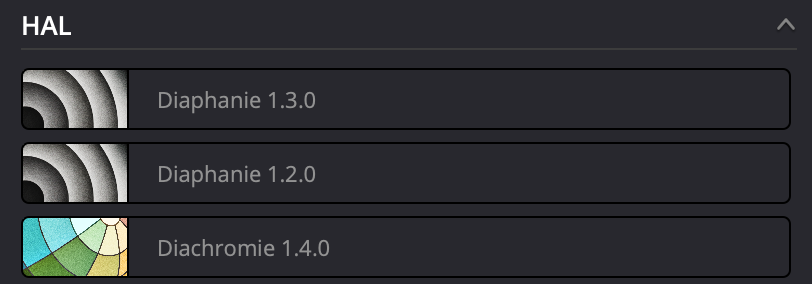
Installing a newer minor version never automatically replaces existing ones. This guarantees that your chosen version remains available throughout the entire post-production cycle. You simply decide which version to use for each project.
In our own work, we usually install all available updates before starting a grading session, as it is the ideal moment to adjust a look anyway, and incorporate the newest features available. Once grading has started, we always stick to the version we began with.
What about Presets ?
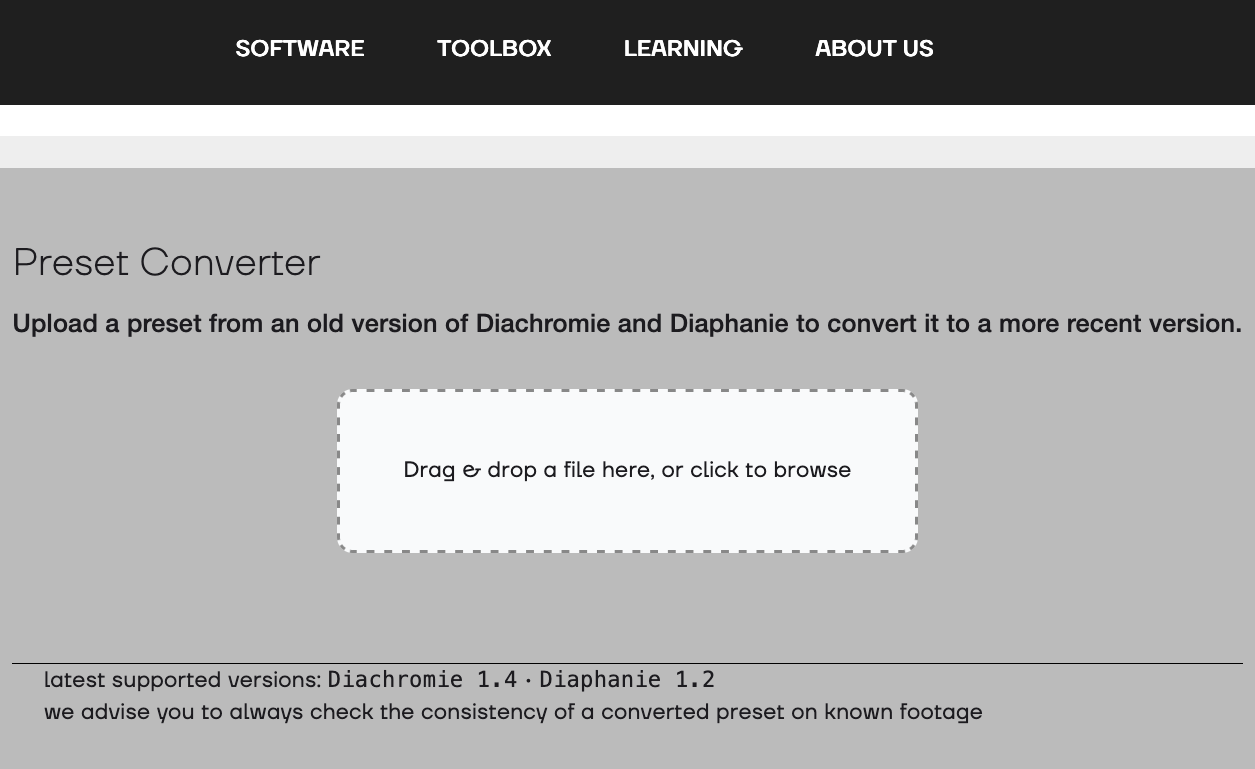
Presets exported from a specific version cannot be loaded as-is into a newer version. This prevents mix-ups and undetected errors between versions.
To use them, you simply need to update your Presets with our online Preset Converter. Available in the Toolbox, it renders them compatible and checks their consistency. Everything that can be matched will be matched, and you will be informed of any potential discrepancies.